Monday, 30 October 2017

Top Search Engines that wont record your search History

Top Search Engines for Hackers that wont record your search History

Here in this article we have selected some of the Private Search Engines to browse Anonymously without tracking your search keywords. Most of these search engines are not many to look at, but they are not here to be pretty, they are there to give you a safe way to search for things that Matters to you. So in order to Private Search Google follow below search engines in order t keep your identity safe.

#1 WolframAlpha


This is one of the best known search engines of security researchers.Wolfram | Alpha introduces a fundamentally new way to get knowledge and answers, not by searching the Web, but by performing dynamic computations based on a vast collection of data, algorithms and methods Integral.

#2 Privatelee


This is a search engine based on https that has SSL encryption and does not allow you to save your keywords.. This search engine is used by many users who know all the security terms and do not want to be followed by giant commercial networks

#3 DuckDuckGo


This is the well-known search engine that many of you must have tried once. DuckDuckGo does not collect or share personal information. That is their privacy policy in a nutshell.

#4 Yippy

So you have to try that.. As this is the search engine that works with a user-based search to get the best result filter and never keep records of the keywords searched. It is one of the general programs of the search engine with which you can easily filter the results and the list of easy to use categories according to the wish.

#5 GIBIRU

Gibiru is faster than the NSA search engines because it does not install all sorts of personalization and tracking cookies on your system.. Gibiru provides an uncensored anonymous Web and not customized, and Gibiru news results are not associated with the NSA so you can browse the Internet in a safe way like the would have predicted the Constitution. Gibiru is the preferred search engine for Patriots

#6 Startpage


This search engine provides navigation through a proxy server that eliminates websites from tracking your IP address or location..It is a powerful search engine that shows you the results of Google while protecting your searches and avoiding tracking your steps

#7 Hulbee
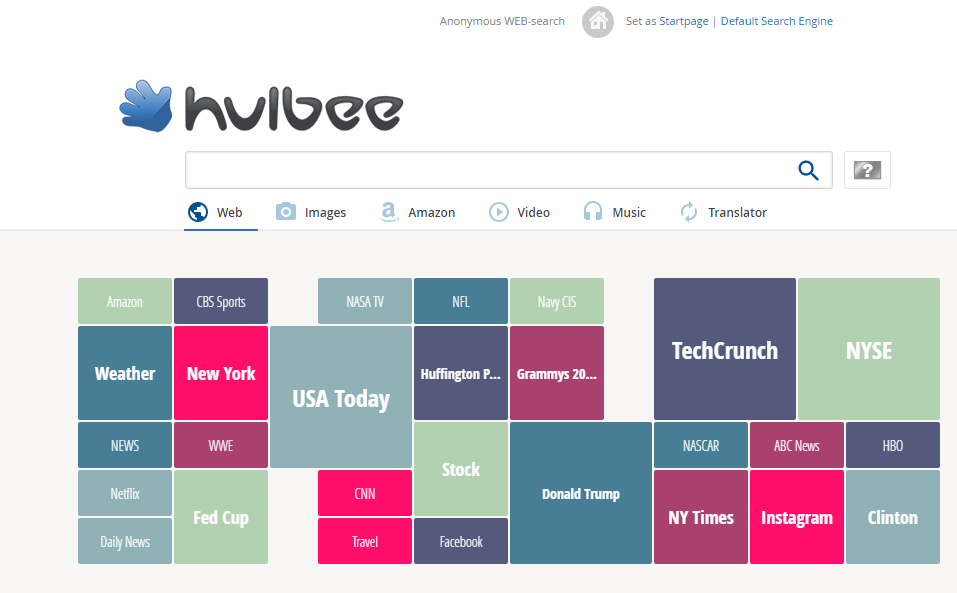

Hulbee.com is the effective alternative for anyone who attaches great importance to data integrity and the protection of privacy.Hulbee. Their topics, IP addresses and personal information are not stored or used for additional business..com users do not leave any tracks.com does even without countless analyzes of their visitors. Hulbee. Unlike search engines.

#8 Disconnect Search

This site uses Google, Bing and helps you to search content. However, it never follows your online searches or IP address.. This even allows you to choose your site before browsing the web.

#9 Lukol

This uses Google’s own search help to show you the search results. However, this uses a proxy server to provide custom search results. Lukol is one of the best private search engines that protects users from online fraudsters and keeps spammers away.

#10 Gigablast

Gigablast is one of those sites that indexes billions of web pages and provides information without tracking your browsing history.. This is one of the best search engines you can use for private researchers. The search engine keeps you hidden from marketing specialists and spammers.

#11 Oscobo

The search engine does not follow its users by any means whatsoever.This is one of the most reliable anonymous search engines that do not follow you. This also limits third-party spammers or information collectors from misusing user data.
You can use Oscobo to search for images, videos and news.. Not only that, Oscobo also offers a chrome extension to perform searches.

#12 MetaGer
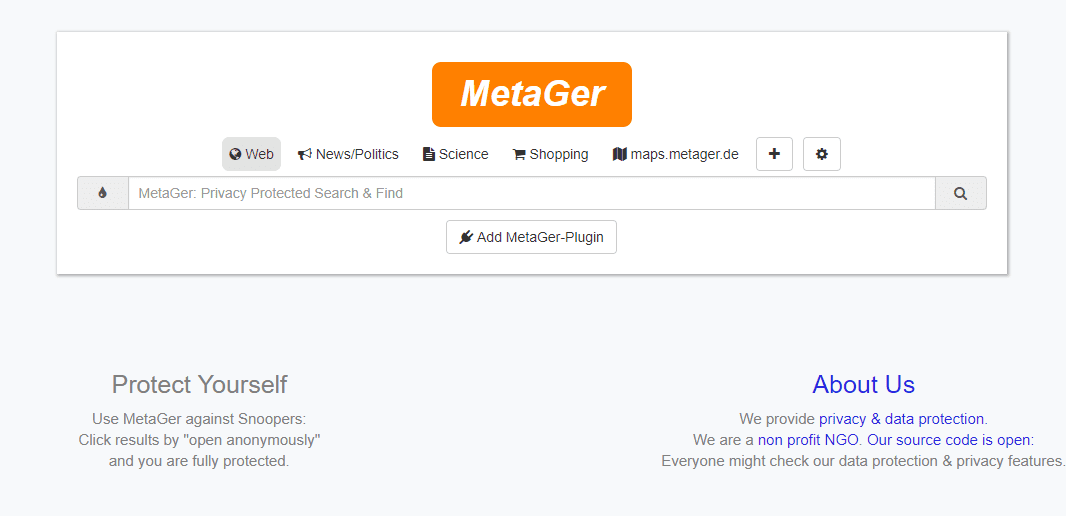

MetaGer uses the proxy server so that users can open any link to the search result anonymously.If you want to perform non-traceable confidential searches, then MetaGer could be a great choice as this search engine leaves no footprints.

Saturday, 21 October 2017

Google Chrome extension for Penetration Testing

BuiltWith Technology Profiler

The BuiltWith Chrome Extension lets you find out what a website is built with by a simple click on the builtwith icon!
BuiltWith is a web site profiler tool. Upon looking up a page, BuiltWith returns all the technologies it can find on the page. BuiltWith’s goal is to help developers, researchers and designers find out what technologies pages are using which may help them to decide what technologies to implement themselves.
BuiltWith technology tracking includes widgets (snap preview), analytics (Google, Nielsen), frameworks (.NET, Java), publishing (WordPress, Blogger), advertising (DoubleClick, AdSense), CDNs (Amazon S3, Limelight), standards (XHTML,RSS), hosting software (Apache, IIS, CentOS, Debian).

Hunter

Hunter is the easiest way to find email addresses from anywhere on the web, with just one click.
# Features
✓ Get email addresses from any website: when you are on a website, click on Hunter’s button in your browser to get every email addresses we found related to the website.
✓ Find email addresses on LinkedIn profiles: when you visit a profile on LinkedIn, click on the button in your browser to find the email address of this profile in seconds.
✓ Save your leads from LinkedIn search pages and profiles. You can download all your saved leads in CSV or automatically synchronize them with Salesforce, Pipedrive, Zoho CRM, Hubspot or hundreds of other apps through Zapier.

IP Address and Domain Information

This extension displays detailed information about the current website. The information can be used for online investigation and SEO purposes.
See IP info like (IPv4 and IPv6): location, DNS, whois data, routing, domain neighbors, blacklists and ASN information. Including a shortcut to Your public IP Address (myIP info).
See domain info like: Alexa en Quantcast ranking, DMOZ info, social media activity, WOT ranking, whois data and PageRank of every domain.
See provider info like: BGP, IPv4 subnets, IPv6 subnets, connected providers (peers), hosted nameservers, hosted domains, number of spam hosts, bogon subnets and whois data.

Shodan

The Shodan plugin for Chrome automatically checks whether Shodan has any information for the current website. Is the website also running FTP, DNS, SSH or some unusual service? With this plugin you can see all the info that Shodan has collected on a given website/ domain.

Wappalyzer

Wappalyzer is a cross-platform utility that uncovers the technologies used on websites. It detects content management systems, ecommerce platforms, web frameworks, server software, analytics tools and many more.
List of applications Wappalyzer detects:
https://wappalyzer.com/applications

XSS Rays

XSS Rays is a security tool to help pen test large web sites. It’s core features include a XSS scanner, XSS Reverser and object inspection. Need to know how a certain page filters output? Don’t have the source? No problem. XSS Rays will blackbox reverse a XSS filter without needing the source code.
You can also extract/view and edit forms non-destructively that normally can’t be edited. For example if you want to modify the value of a checkbox without changing it’s type XSS Rays can link to the object and allow you to change the value without altering the original object.
Using the object inspector you can browse through the window object and edit the contents of the functions in real time allowing you to dissect a web page and understand more how it works. This also works with globally defined functions, you can see which functions the developer has decided to place within the window object.
If you have ever wanted to search all files for a particular string, you can use the search feature to use regular expressions on all scripts and event handlers, highlighting the required keywords.

Google Hack Data Base

Google Hack Data Base – application to work with GHDB. Choose a category and click on the necessary query.  To find description vulnerability, click “Search on www.exploit-db.com”. Application provides possibility to search vulnerabilities on the specified site. Just click on the search button and enter the site name. This application allows a better understanding of the basis web security.

HPP Finder

HTTP Parameter Pollution (HPP) is a recently discovered web exploitation technique. Please read the NDSS 2010 paper for more details about the technique. HPP Finder is a Chrome extension designed for detecting HPP attempts. HPP Finder can detect URLs and HTML forms that might be susceptible of parameter pollution, but it is not a complete solution against HPP.

Form Fuzzer

This is a fuzz testing, http://en.wikipedia.org/wiki/Fuzz_testing, utility I created to assist in populating web forms with some random data.

Site Spider

Use this extension to spider a website looking for dead links. One can restrict the spidering to a directory, a domain, or any other regular expression. The spider can also follow one link beyond this restriction, allowing one to find broken external links.
Usage: Install the plugin. Go to the page you want to start from. Click the spider icon in your toolbar. Set the restriction regular expression and go. To cancel a spidering session before it has finished, just close its results tab.
Security: Because this is a client-side spider, it uses your own authentication to access pages. Thus it can go wherever you have access to go. This plugin does not log any data or “phone home” in any way. It is completely open source.

Hack Tab Web Security Tests

HackTab is a web vulnerability testing application in your browser. When enabled for a targeted domain It watches all communication between your browser and the site you are testing and it identifies each parameter and data type for each parameter. This allows HackTab to re-create any communication between your browser and the target domain and test all HTTP parameter inputs to the application. Hacktab only tracks requests to domains you target and includes watermarks on pages it is tracking.
HackTab currently tests for Reflected Cross Site Scripting, Persistent XSS, SQL Injection, Local File Includes and Cross Site Request Forgery. It is blazingly fast and can handle most web forms including forms with CSRF protection.

Hookish

A Swiss Army knife for advanced penetration testing of web clients. Hookish! does all kinds of hooking into your web app’s DOM and lets you analyze web apps more effectively.
Features:
* Statically analyze any web page for Javascript issues.
* Hook multiple DOM sources and sinks
* Hook XHR requests and responses
* Unsafe anchor tags (target=_blank)
* Hook WebSocket responses.
* Show function call trace.
* Hook XHR responses and correlate with DOM mutations.

How To Bypass Android Pattern Lock With/Without Root

METHOD I Solution With Recovery (Cwm, Twrp, Xrec,Etc…) Installed: INSTRUCTIONS: Download this zip Pattern Password Disable (Download...